PencilTime
A pencil-first digital planner for iPad and iPhone, with typed notes, Note Pages, stickers, reminders, bookmarks, Apple Calendar, and iCloud sync.

iPad and iPhone · iOS 17.4 or later
Best for
Plan by hand. Type what must be clear.
- Apple Pencil planning
- Bullet journaling
- Student planning
- Project planning
- Visual notes
Why it matters
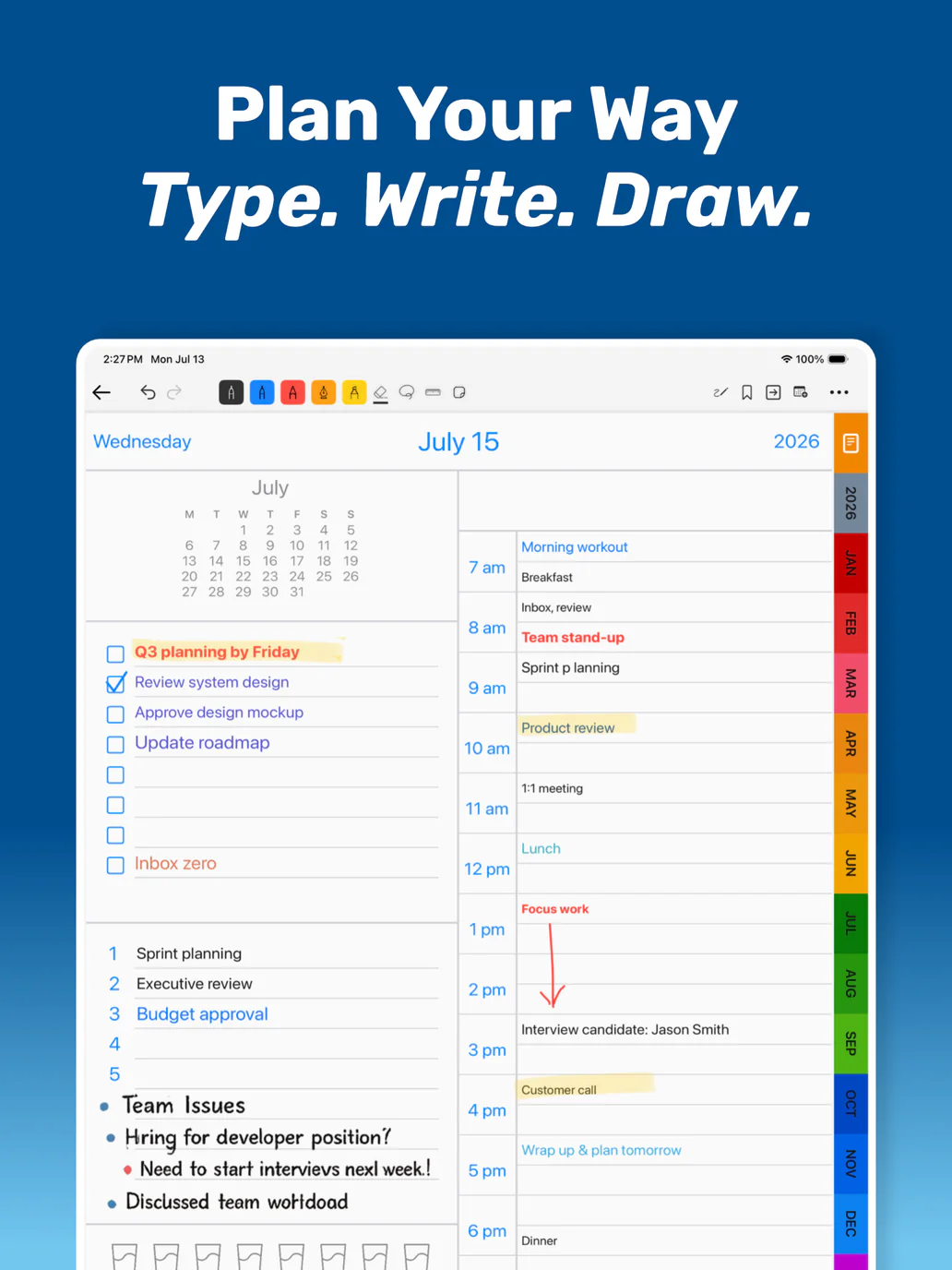
Plan by hand across day, week, month, and year views with typed planner notes, Note Pages, stickers, reminders, bookmarks, and iCloud sync.
Features
Designed around real workflows.
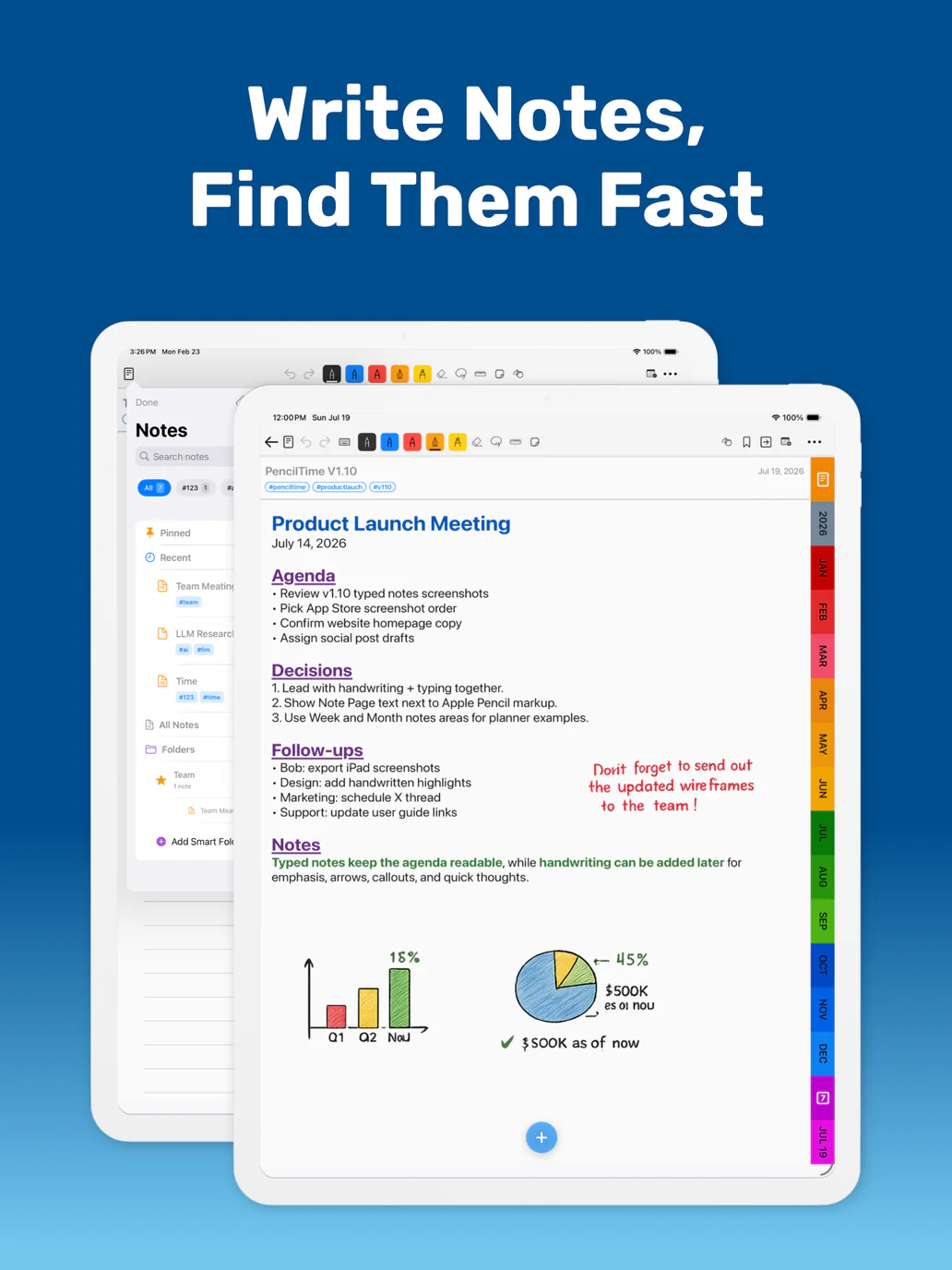
Write by hand, type what must be clear
Use Apple Pencil for flexible planning, sketching, and visual thinking. Add typed text on Note Pages, Year/Month/Week notes areas, and supported Day page fields when tasks, meetings, class notes, goals, or reminders need to stay readable.
Typed notes without losing the paper feel
Keep Year, Month, and Week notes areas lined for handwriting, or switch them to blank typed notes areas. Clear text or restore the original lined layout when your planning style changes.
Create pages for real planning contexts
Use Note Pages for projects, meetings, classes, research, and bullet journal-style collections, then filter All Notes by date or tags when you need to find work faster.
Connect your planner with stickers
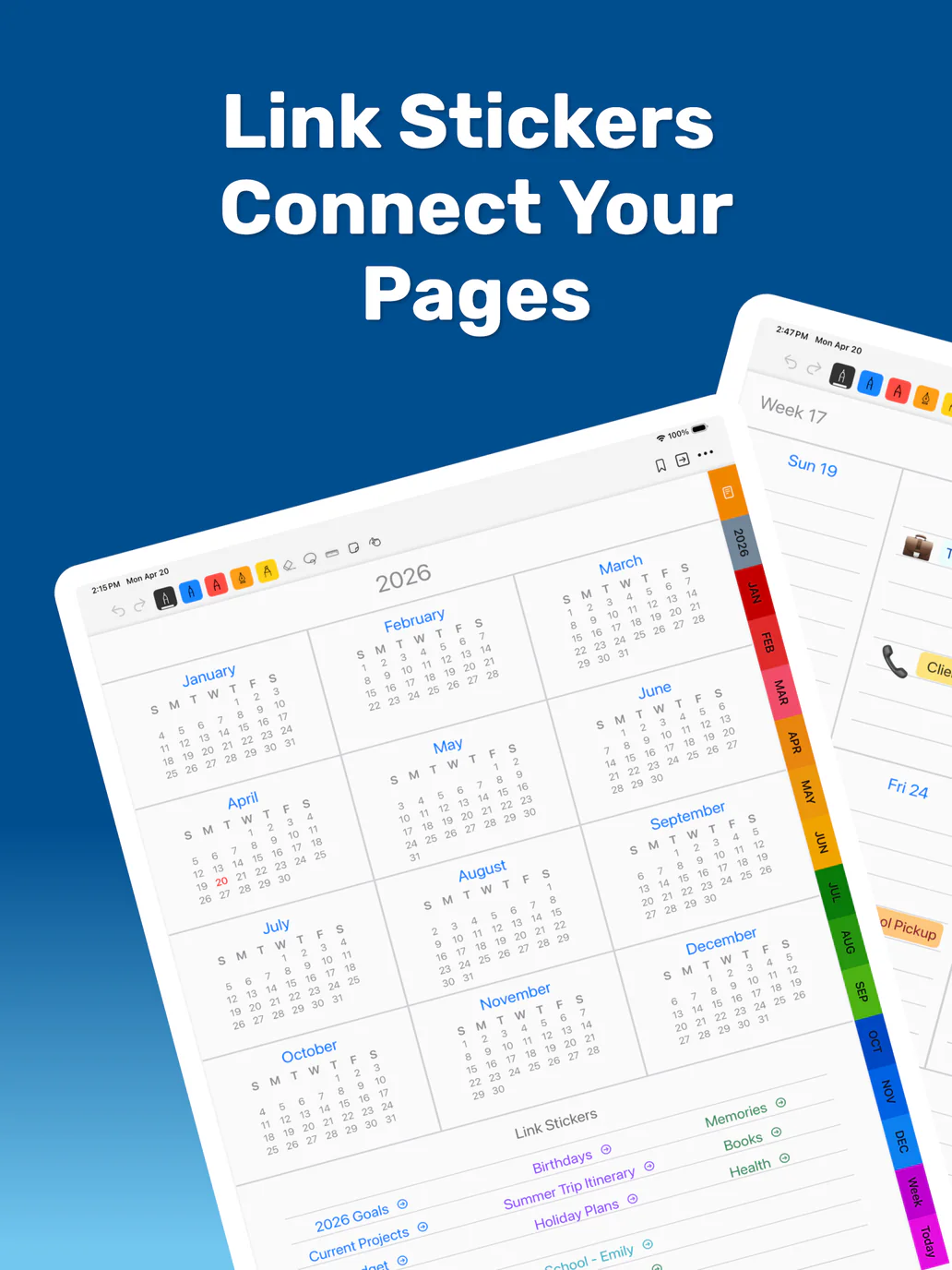
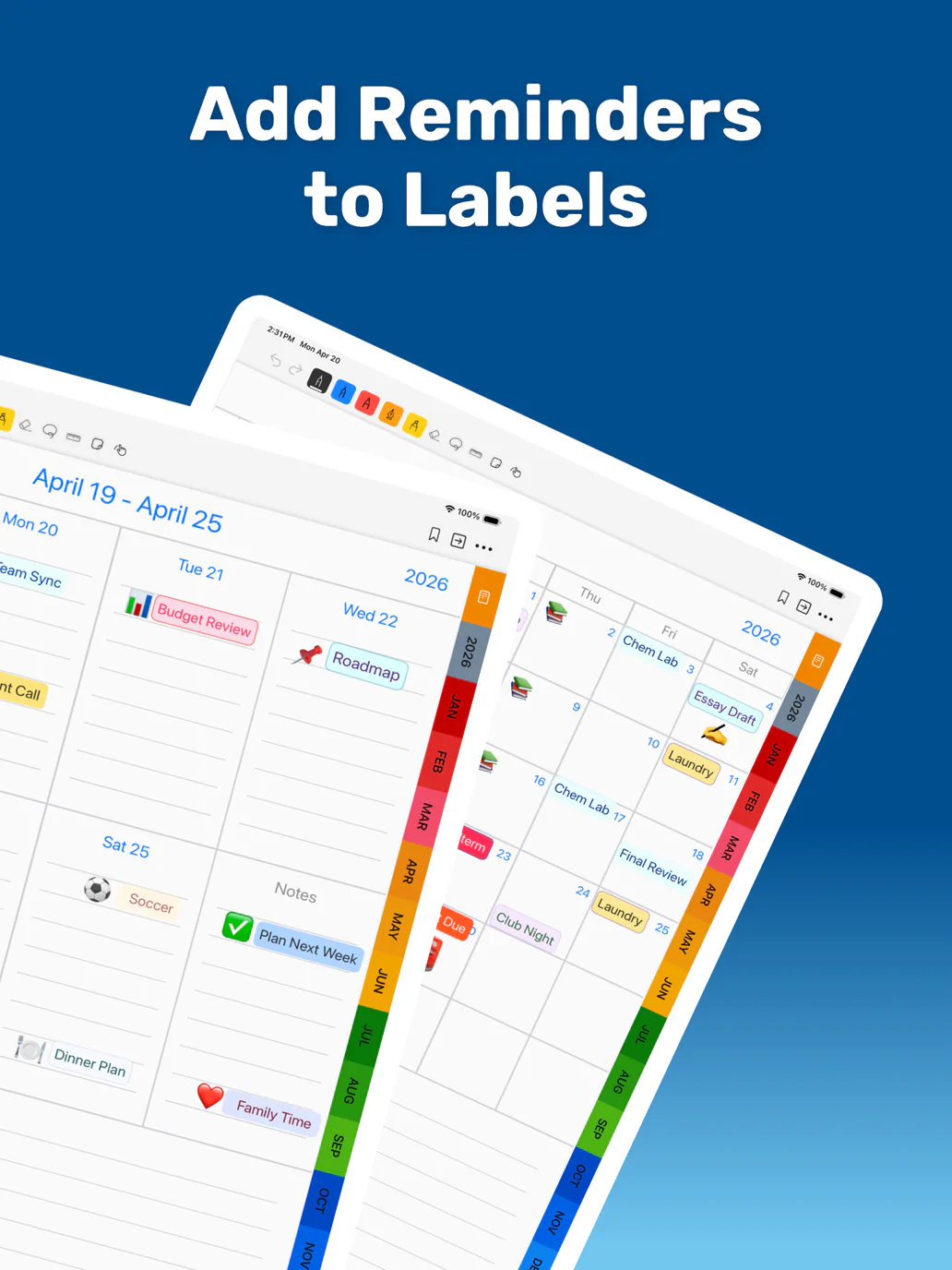
Use Link Stickers, Reminder Label Stickers, photos, images, emoji, and custom labels to turn handwritten pages into connected planning surfaces.
Move through your planner faster
Use Back, Recent Pages, Bookmarks, and Link Stickers to return to pages opened from tabs, notes, links, and saved navigation points.
Screenshots
See PencilTime in action.
FAQ
Common questions
Can I use PencilTime with Apple Pencil?
Yes. PencilTime is designed around handwritten planning with Apple Pencil on iPad, with touch input available on supported devices.
Can I type notes in PencilTime?
Yes. PencilTime supports typed notes on Note Pages, Year/Month/Week notes areas, and supported Day page fields. You can switch between typing and Apple Pencil drawing so typed details and handwriting can live together.
Does PencilTime work with Magic Keyboard?
Yes. Magic Keyboard and other hardware keyboards work in supported text areas and do not require Premium. Open a Blank Note page and tap its keyboard button, use the Notes area on a Basic Year, Month, or Week page, or select a supported field on a Basic Day page before typing.
Is PencilTime still focused on handwriting?
Yes. PencilTime is pencil-first. Typed notes are there for details that need to stay easy to read, while Apple Pencil remains the main workflow for planning, sketching, and marking up pages.
What are Link Stickers?
Link Stickers are custom labels that connect one planner or note page to another, making dashboards and cross-references easy to build.
Can I create reminders inside the planner?
Yes. Reminder Label Stickers can schedule notifications while keeping the reminder visible in the context of your planner page.
Can PencilTime show date labels in my device language?
Yes. PencilTime can keep planner date labels in English or follow the first language in iOS Preferred Languages, and planner tabs refresh after Date Labels changes.
Guides
Learn common PencilTime workflows.
How to choose an Apple Pencil planner
What to look for in a handwriting-first iPad planner and where PencilTime fits.
TutorialHow to use Note Pages in PencilTime
Use Note Pages for meetings, projects, classes, collections, and planning dashboards.
TutorialHow to use Link Stickers in PencilTime
Connect planner pages, Note Pages, project dashboards, and recurring workflows.
FeatureHow Reminder Stickers work in PencilTime
Attach reminders to visible planner labels and understand how notifications sync.
WorkflowHow to use PencilTime as a student planner
Plan classes, assignments, exams, lecture notes, and semester projects with Apple Pencil.
WorkflowHow to use PencilTime for project planning
Build project dashboards, link planning pages, track milestones, and keep handwritten notes together.
SettingsHow Date Labels and First Day settings work in PencilTime
Control planner language labels and week starts using PencilTime and iOS Language & Region settings.
FAQMagic Keyboard and typed text in PencilTime
Learn where typing works, which templates support text, and how to use hardware-keyboard shortcuts.
Need the full guide?
The app includes embedded help. You can also download the current PDF guide for reference.
Download PDF guide